API Keys
API keys give external tools programmatic access to your RetainerOps workspace. Use them to integrate with time-tracking tools, billing software, or custom scripts.
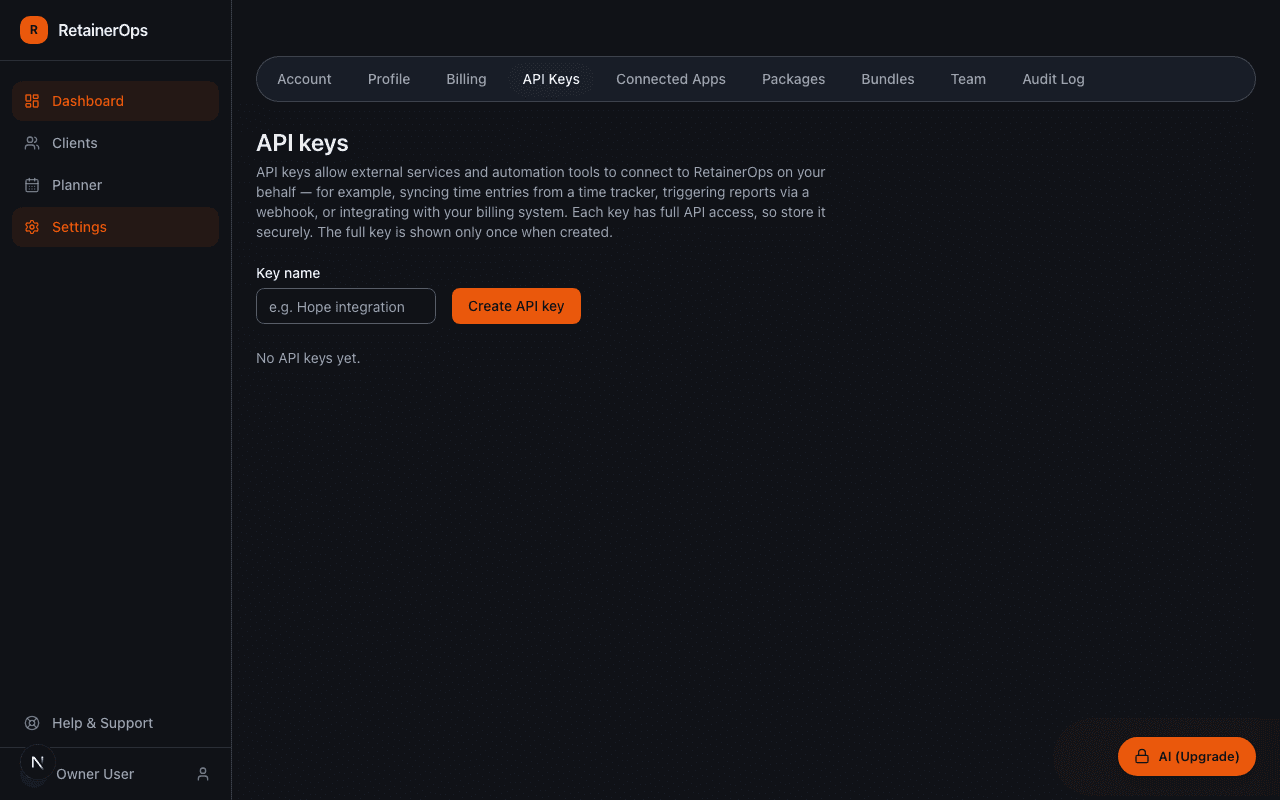
Creating an API key
Go to Settings → API Keys → New Key. Give the key a descriptive name (e.g. "Toggl integration" or "Billing script") so you can identify it later. The key is shown once on creation — copy it immediately and store it securely.
Using an API key
Include the key in the Authorization header of every request:
Authorization: Bearer ops_your_api_key_here
All API endpoints are available at https://www.retainerops.com/api/v1/.
Rate limits
The API is rate-limited to 60 requests per minute per IP address. Requests that exceed this limit receive a 429 Too Many Requests response.
Revoking a key
Keys can be revoked from Settings → API Keys. Revoking a key immediately invalidates it — any integrations using that key will stop working. Generate a replacement key before revoking if you need to rotate without downtime.