Connected Apps
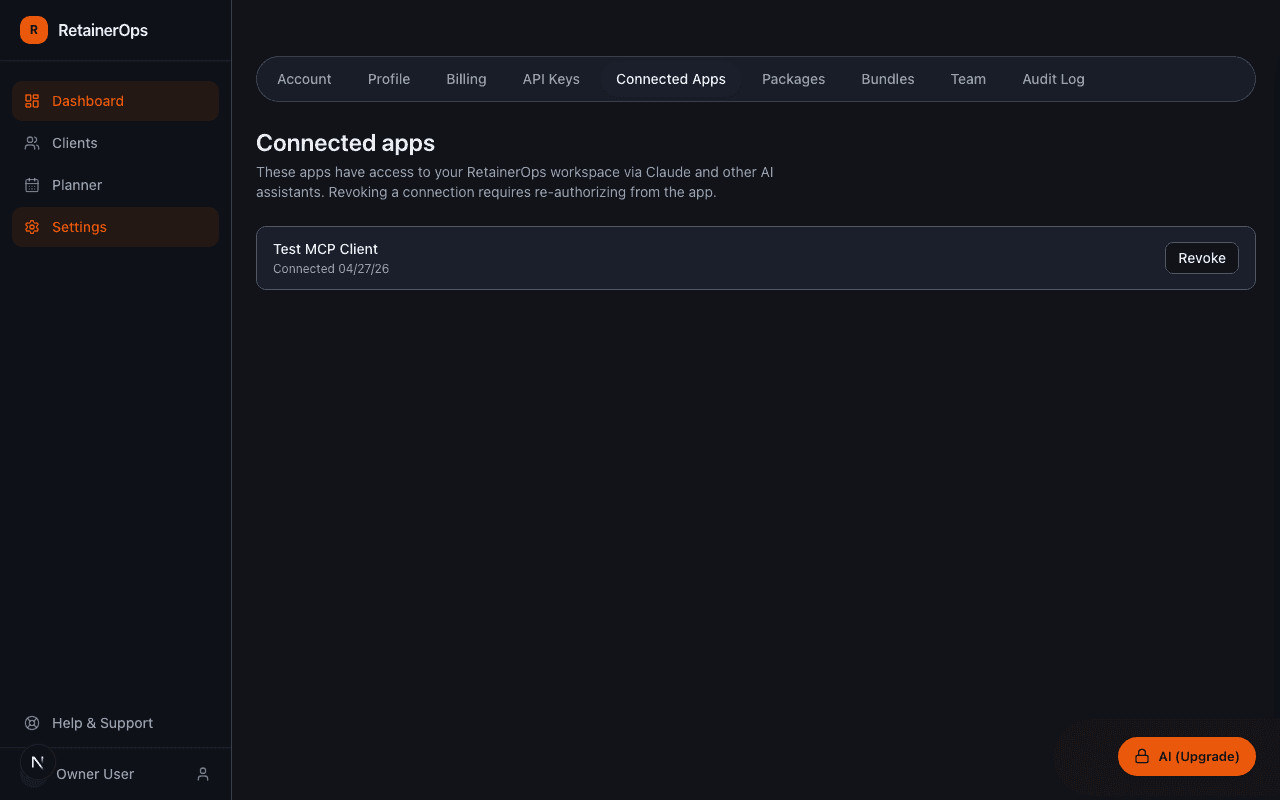
Connected Apps shows every third-party tool that has authorized access to your RetainerOps workspace via OAuth.
What appears here
Any tool that has connected to your workspace via the MCP connector or OAuth flow appears in this list. For each connection you can see:
- The connected application name
- When the connection was established
- When it was last active
- The scope of access granted
Revoking a connection
Click Revoke next to any connection to immediately invalidate all tokens for that application. The app will lose access to your workspace and will need to go through the OAuth flow again to reconnect.
Security best practice
Review your connected apps periodically. Revoke any connections you no longer use. Each active connection represents an application that can read and write your workspace data — keep the list as short as possible.